
Blur sensitive Microsoft Teams chats and conversation list.
Selective Blur watches the open chat, and optionally the chat list sidebar, blurring matches as messages load.
teams.live.com/v2/
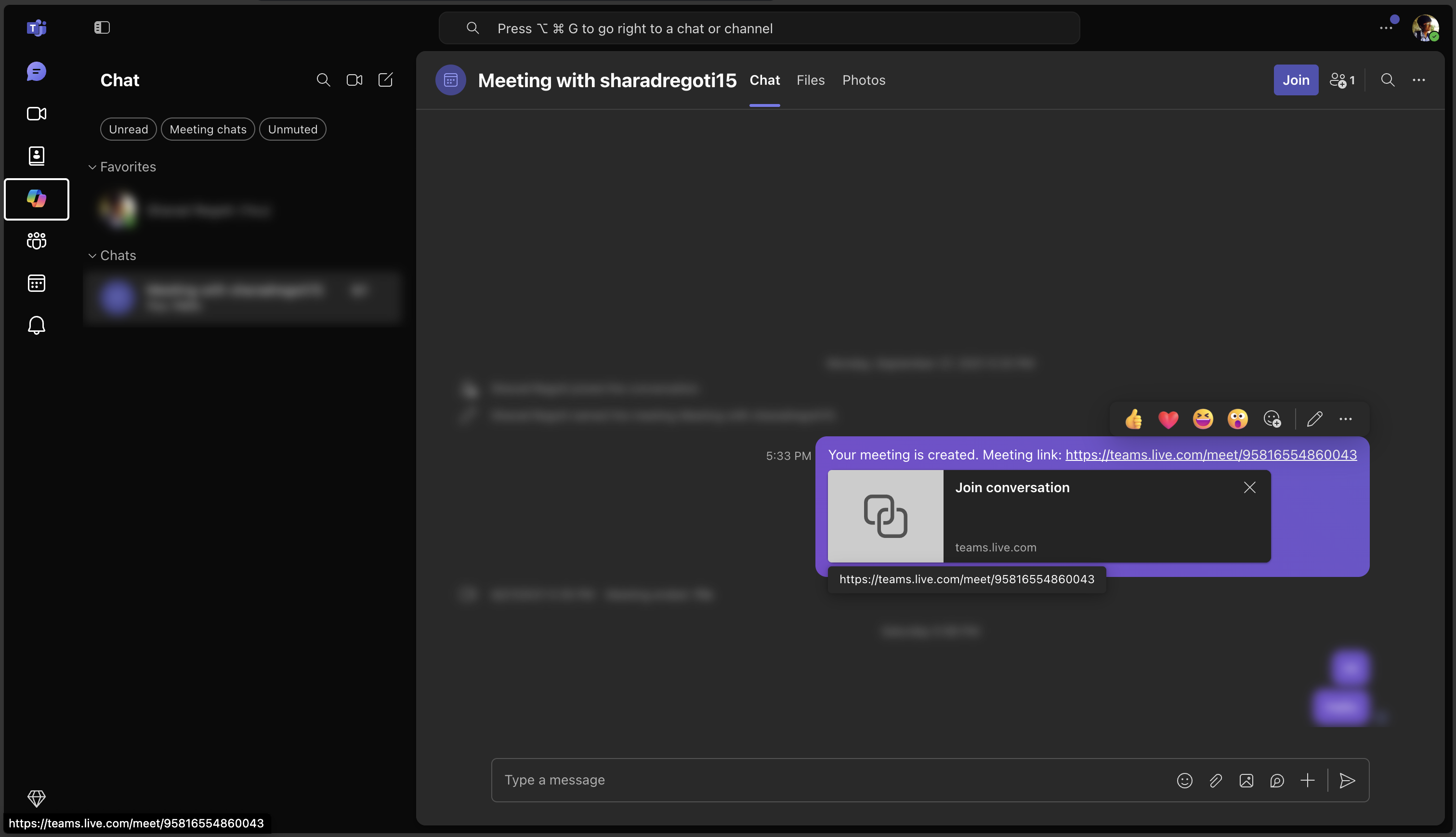
What's supported on Microsoft Teams
The same blur engine as every other supported app, tuned to how Microsoft Teams renders its messages and chat list.
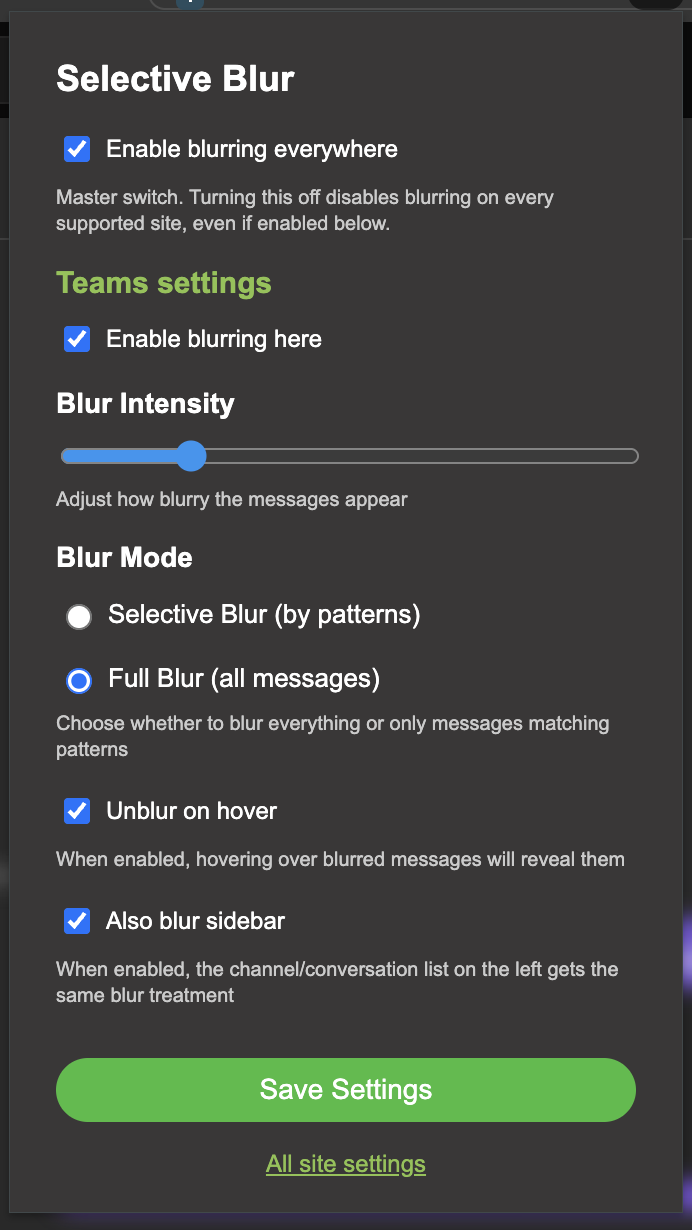
Configured from one popup
Click the extension icon while you're on Microsoft Teams to set patterns, blur mode, intensity, and hover-to-reveal for Microsoft Teams specifically. A master switch and a per-site switch mean you can turn blurring off everywhere, or just here, without touching your other apps.
- Selective blur by regex pattern, or full blur with one click
- Blur intensity from a light haze to fully unreadable
- Optional chat list blur
Stop shoulder-surfers from reading your Microsoft Teams messages.
Install Selective Blur and set your patterns once. It takes less time than reading one more message.
Add to Chrome — it's free Gmail
Gmail Slack
Slack Discord
 Outlook
 Telegram
 WhatsApp